




The best gym app is the one you still open in month three. In practice the choice comes down to four things: how fast you can log a set, whether the app tells you what to lift next time, whether it works in a basement gym with no signal, and whether the price matches what you get. Below we compare Hevy, Strong, Fitbod and SisuLift, and what each one is actually good for. If you want your training program and a calorie counter in the same app, SisuLift combines them: food search covers Finland's Fineli database and international products, and calories and macros can be logged on the free plan. The barcode scanner and an adaptive TDEE that learns from your weight trend come with Premium.
What makes a good gym app?
A good gym app makes training easier. Key features:
- Quick workout logging, under 10 seconds per set
- Progress tracking over weeks and months
- Programming and planning help
- Offline support
- Mobile-first design
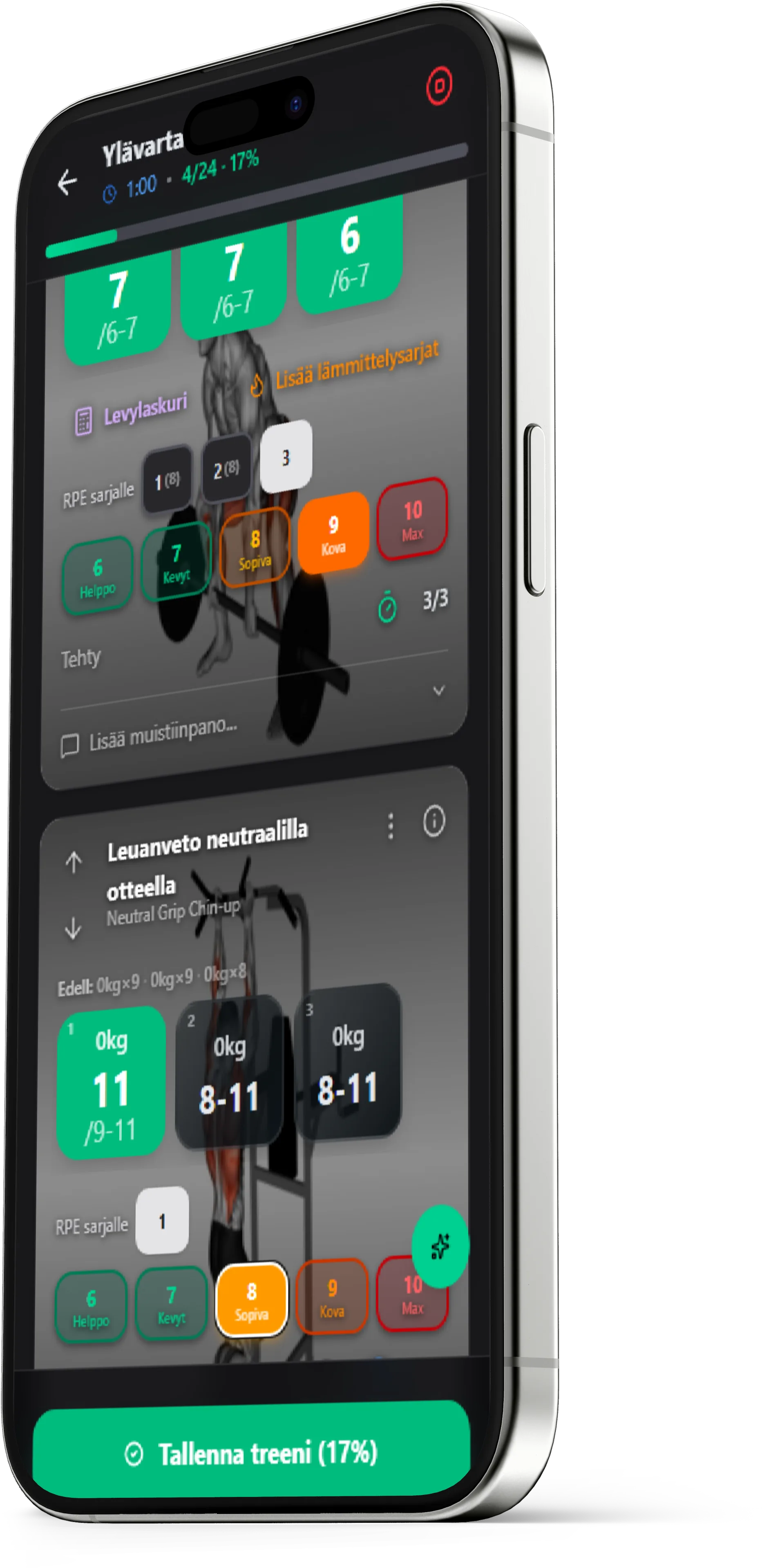
Gym app comparison 2026
Most popular gym apps with strengths and weaknesses:
Hevy
Most popular free option. Great for logging and community features. Hevy Trainer (Pro, launched 2/2026) generates programs algorithmically, but there is no chat-style AI coach. Pro costs €3.49/mo or €26.49/yr (Finnish App Store, apps.apple.com/fi/app/id1458862350, checked 21 Sep 2026). Best for lifters who want a lightweight workout log.
Strong
Minimalist and fast. Free version limited to 3 routines, PRO costs €5.99/mo or €30.99/yr (Finnish App Store, apps.apple.com/fi/app/id464254577, checked 21 Sep 2026). No AI features. Suits experienced lifters who know what they're doing.
Fitbod
AI-powered but only 3 free workouts, then €13.49/mo or €99.99/yr (Finnish App Store, apps.apple.com/fi/app/id1041517543, checked 21 Sep 2026).
SisuLift
A Finnish AI workout app that builds a personalized training program around your goals and equipment, and suggests the next weights and reps for every exercise. It tracks your recovery, handles periodization and deloads automatically, and includes over 4,000 exercises with videos. Works in Finnish and English on iOS, Android and the web, with offline support at the gym. You can import your training history via CSV, and the free tier is permanent. It also has a calorie counter in the same app: food search uses the Finnish Fineli database, and your daily calorie target goes up on training days and down on rest days automatically.
Quick comparison, what you get with each app
| Feature | Hevy | Strong | Fitbod | SisuLift |
|---|---|---|---|---|
| AI programming | – | – | ✓ | ✓ |
| Finnish language | – | – | – | ✓ |
| Free version | ✓ | ✓ | 3 workouts | ✓ |
| Weekly analysis | Limited | Limited | – | ✓ |
| Offline workouts | ✓ | ✓ | – | ✓ |
| Premium price (Finnish App Store, 21 Sep 2026) | €3.49/mo | €5.99/mo | €13.49/mo | €9.99/mo (web €9.90/mo) |
What about gym apps in Finnish?
If you want an app in Finnish, the options are SisuLift, Aitofit and Tsemppi. All three build your training program with AI. The differences are in pricing, the free plan and whether nutrition tracking is in the same app. We compared them separately, and every competitor fact has a source and a check date:
Free vs. paid apps
Free apps get you started but have limitations. Paid versions offer unlimited use and AI features.
Start free and upgrade when you need more.
AI vs. traditional, which is better?
Traditional apps are enough if you know your program. AI adds value when:
- You don't know how to program optimally
- Progress has stalled
- You want automatic periodization
- You don't want to spend time on planning
For casual fitness, traditional works. For continuous progress, AI pays for itself.
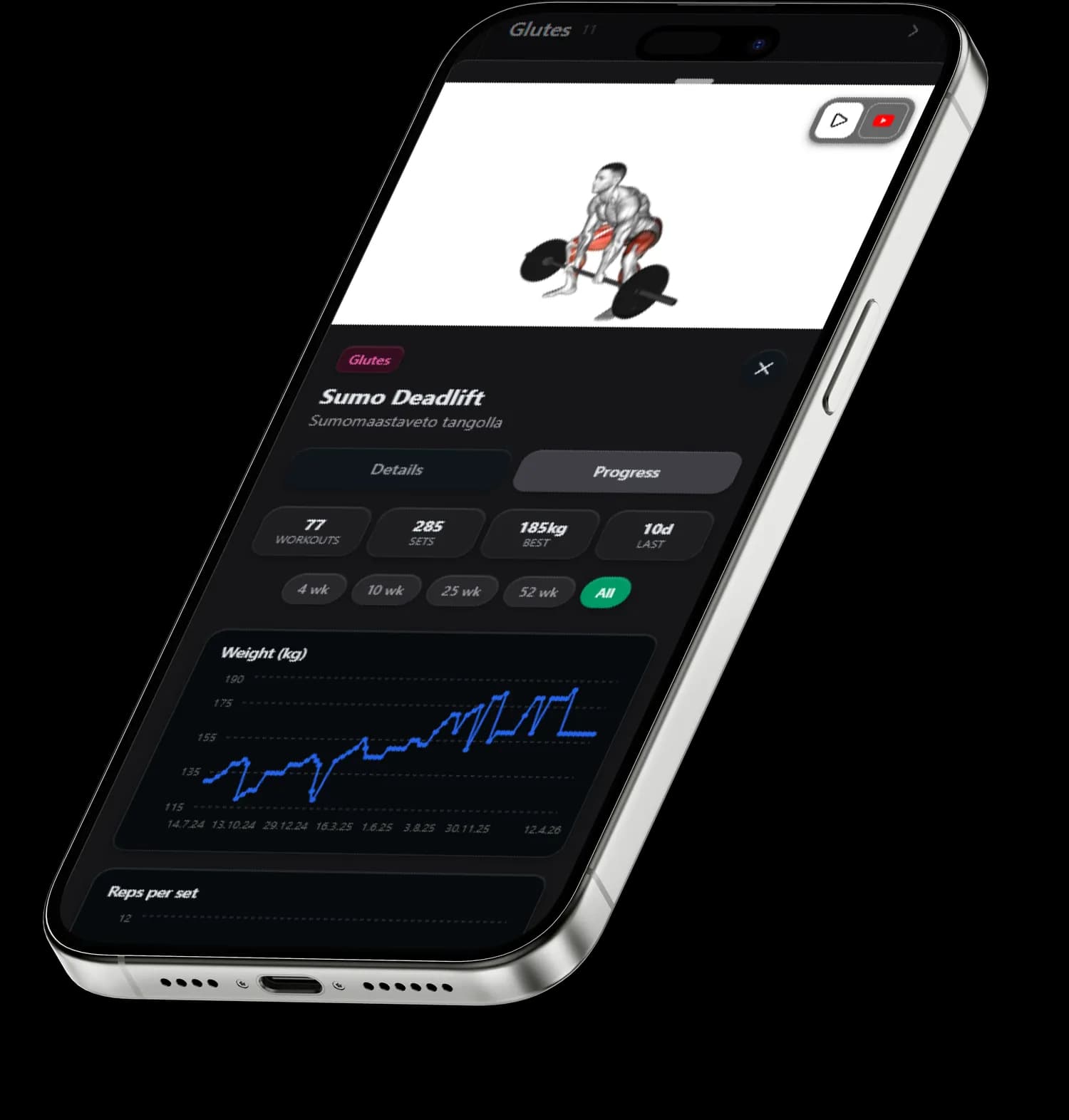
What does a good gym app cost?
Gym app pricing varies significantly. Here is the overview:
- Free apps (Hevy, Strong, SisuLift free): €0, basic logging and limited features
- Affordable premium (Hevy Pro, SisuLift): about €3–10/mo, more features or AI coaching
- Mid-range (Fitbod, Aitofit): €10–15/mo, broader AI coaching
- Premium (custom services): $20-50/mo, personal training-level service
Price doesn't always correlate with quality. SisuLift offers AI-powered programming for under $10/month.
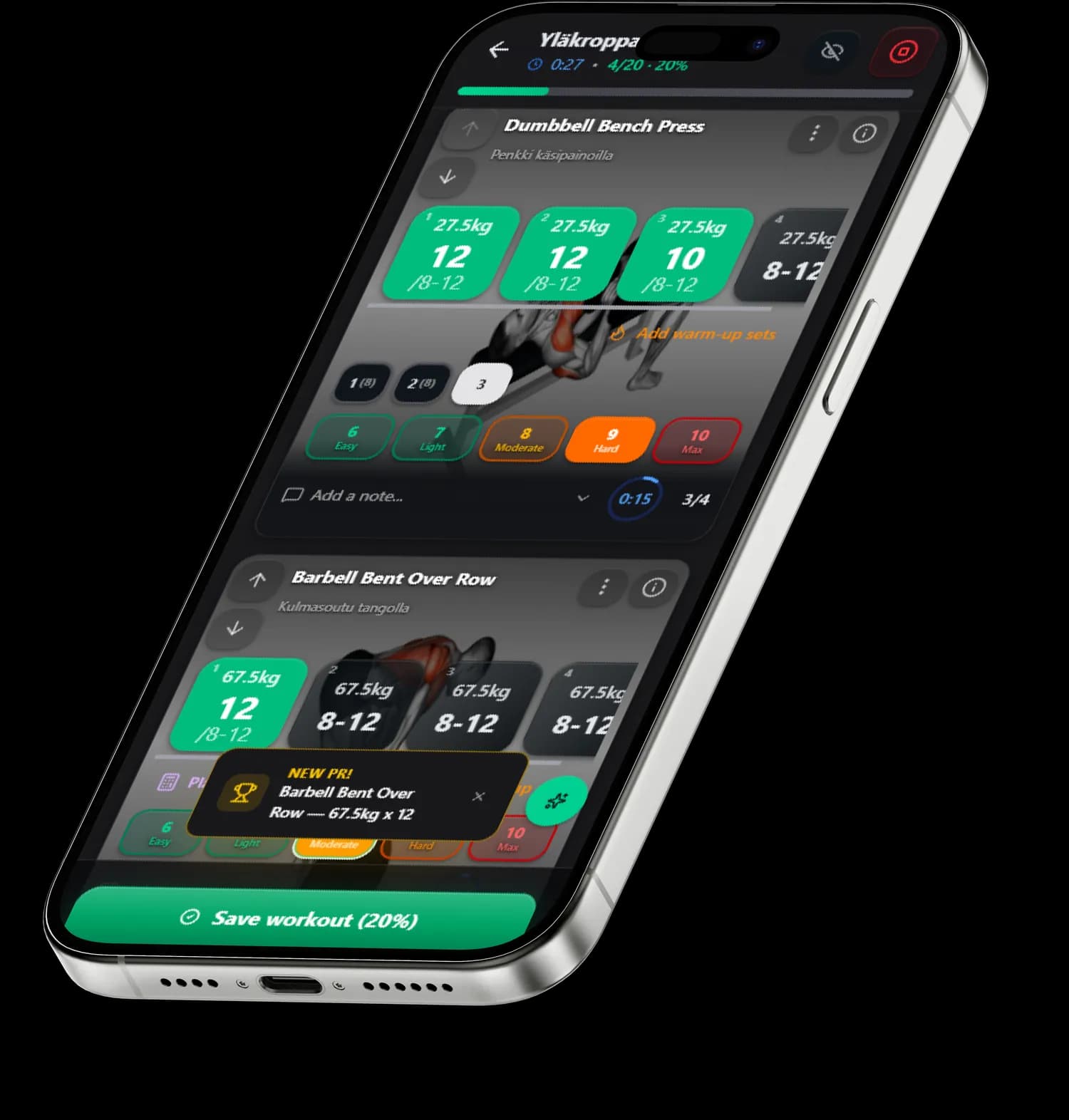
Switching apps, how to migrate
Switching doesn't mean losing your data:
- Export your training data as CSV from the old app
- Import data into the new app, SisuLift supports CSV import
- First 1-2 weeks the AI learns your training rhythm and level
- Don't be afraid to try, you can always switch back
How to find the best gym app
- Try free versions first
- Decide: just logging or intelligent coaching?
- Check language support
- Test offline mode
- The best app is the one you actually use
Finnish training apps (Tsemppi, Aitofit) are covered separately on the comparison page: best workout app in Finland 2026.
→ Read also: AI workout app, complete guide | Compare apps