




Commercial content, produced by SisuLift (Finacode Oy), a competitor of Aitofit Oy
For many lifters, training history is years of work: hundreds of workouts, thousands of sets, and the full arc of progress in your weights. Many people stay in their old app only because they're afraid of losing their data in a switch. You don't have to. The EU's General Data Protection Regulation (GDPR) guarantees you can get your data out of any app, and this guide shows how to do it in practice, app by app.
Your data belongs to you
GDPR Article 15 gives you the right to a copy of all your personal data, and Article 20 (the right to data portability) obliges the service to provide the data you've entered in a structured, commonly used, machine-readable format. Workout logs are exactly this kind of data: you logged them, and you have the right to take them with you.
This is not a favor an app does out of goodwill, it's a legal obligation for every service operating in the EU. Regardless of the app's size, home country, or price.
What GDPR guarantees in practice
Four things everyone considering an app switch should know:
- The data request is free of charge. The service may not bill you for delivering your data.
- A response must be given without undue delay, at the latest within one month of the request.
- The format must be machine-readable, in practice usually a CSV or JSON file another app can read.
- The right applies to all services operating in the EU, including US-based apps with European users.
Per-app instructions
Some apps let you export directly from settings, others deliver the data on request via support. Here are the workout apps most commonly used in Finland. (Export methods verified 25 July 2026, menu paths may change with app updates. Spotted outdated info? Tell us: hello@sisulift.app.)
Aitofit
Aitofit delivers your training history as a CSV file on request. Send a short message to valmennus@aitofit.io and ask for your training history in CSV format, you can use the ready-made template below. The reply usually arrives within a few days.
Strong
Open Strong, go to settings via your profile, and choose Export Data. The app creates a CSV file you can share with yourself, for example by email, or save to your phone.
Hevy
Open Hevy's settings and choose Export & Import Data, then Export Workouts. Hevy sends your training history as a CSV file to your email.
FitNotes
In FitNotes (Android), choose Spreadsheet Export from settings. The file is saved to your phone in CSV format and contains all logged workouts.
Any other app
If the app has no export function in its settings, a data request always works. Send the template below to the app's customer support or privacy email, the address is usually found in the app's privacy policy.
Ready-made data request template
Copy this, fill in your own email address, and send. The message works for any app:
Template
Hello! I would like to exercise my right to data portability under the GDPR (General Data Protection Regulation, Article 20). Please provide my training history in a structured, machine-readable format, for example as a CSV file. My account email address is [your address]. Thank you!
By law, a response must be given within one month at the latest. In practice most apps reply within a few days. If you hear nothing, send a reminder referring to your earlier request. As a last resort, your national data protection authority can advise you (in Finland, tietosuoja.fi).
How to import the data into SisuLift
Once you have the CSV, the rest takes a few minutes.
Step 1: Open the import wizard
In SisuLift, go to Settings and Import workout data. Import works both on your phone and in the browser, and you can do it at any time, including during the free trial.
Step 2: Upload the file
Choose the source app or let the wizard detect the file format automatically. Exercises are matched to SisuLift's exercise library by both Finnish and English names. If an exercise isn't recognized, you can map it manually or we'll help in support chat.
Step 3: Review and confirm
You see a preview before importing: how many workouts, sets, and exercises are coming in. Confirm, and your history is in. A handwritten training diary works too, paste the text and the AI parses it into sets and weights.
What survives the transfer
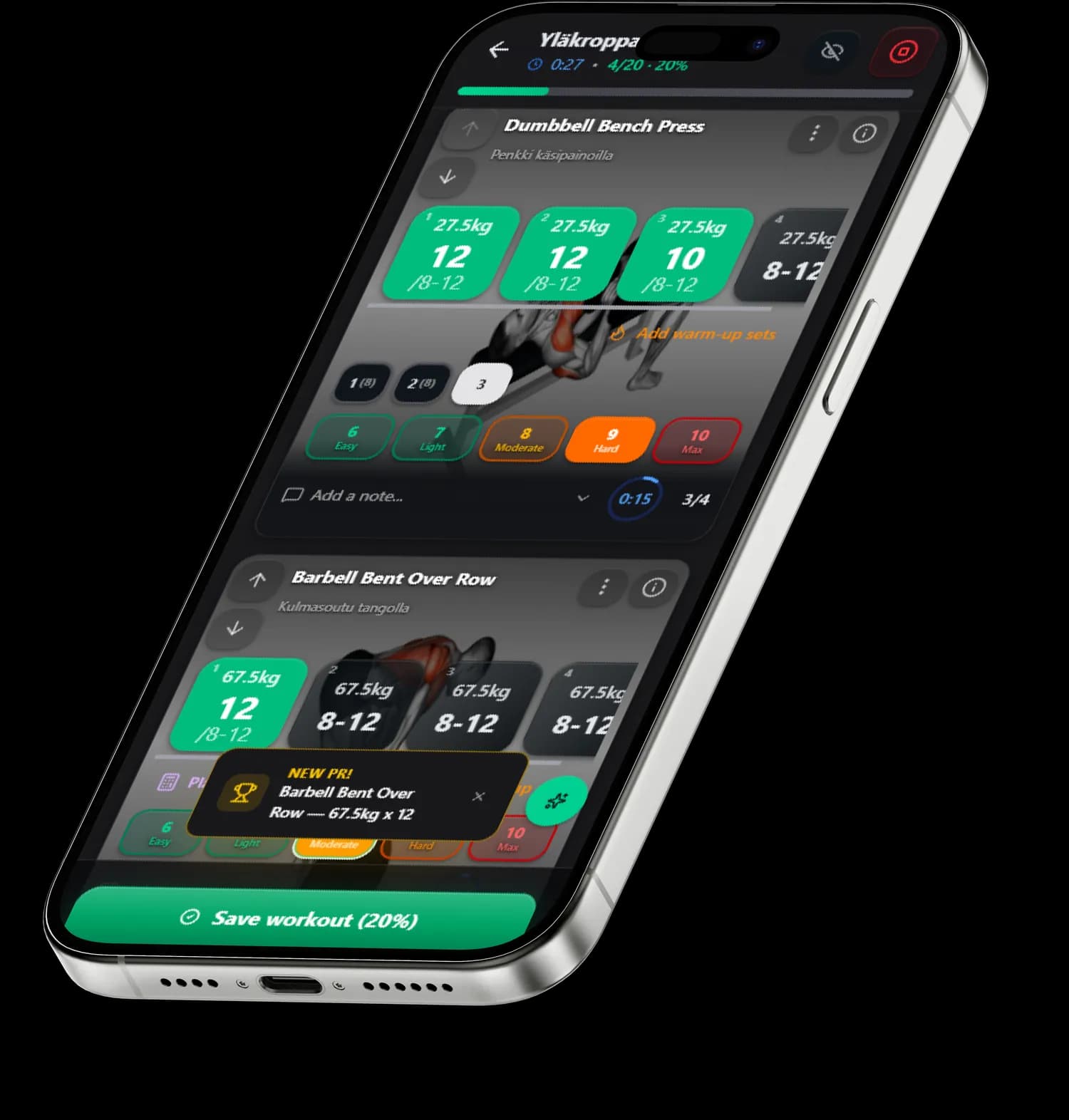
Workouts, exercises, sets, weights, reps, and dates transfer. Progression continues directly from your history: the AI sees how your weights have developed and suggests the next sets at the right load, you don't start from zero. Personal records are also calculated from the imported data.
In all honesty: not absolutely everything transfers. The old app's own scores, body measurements, and app-specific settings stay in the old app, because there's no common transfer format for them. The training history, the most valuable part, transfers in full.
→ Read also: Aitofit alternative in Finland | Best gym app 2026