



Switch from Aitofit without losing your history
Two years of workouts, records and progress don't disappear. SisuLift imports your workout history from Aitofit, Strong and Hevy. AI even parses a handwritten training diary.
Where you can import from
§ 01 · SourcesAsk Aitofit's customer support for your workout history as a CSV. SisuLift has a ready message template for the request.
Strong's CSV export works directly in SisuLift's import.
Your Hevy workout history imports with the same wizard in a few minutes.
An old diary or notebook? Paste the text and AI parses it.
How it works
§ 02 · Three stepsGet the data from your old app
Strong and Hevy let you export a CSV straight from the app's settings. From Aitofit you request it from customer support, and SisuLift has a ready message template you can copy into the request. Handwritten data works as plain text.
The import wizard reads it
In SisuLift, open Profile and Import workout data. The wizard recognises exercises, sets, weights and reps. AI matches exercise names to SisuLift's library automatically.
Your history is safe
Workouts, records and progress charts are built from the imported data. In your next workout you see what you lifted last time, and your progress chart doesn't start from zero.
You'll find the import in the app under Profile and Import workout data. You can do it right after signing up, already during the free trial.
Haven't got your data out of your old app yet? Read the GDPR guide: how to request your workout history from any app →
How your history looks in SisuLift
§ 03 · In the appImported workouts go straight into your history and records, so you can pick up where you left off. Sets, weights and reps look the same as the ones you log yourself.
The same app also has nutrition tracking, if you want to follow eating and training in one place.
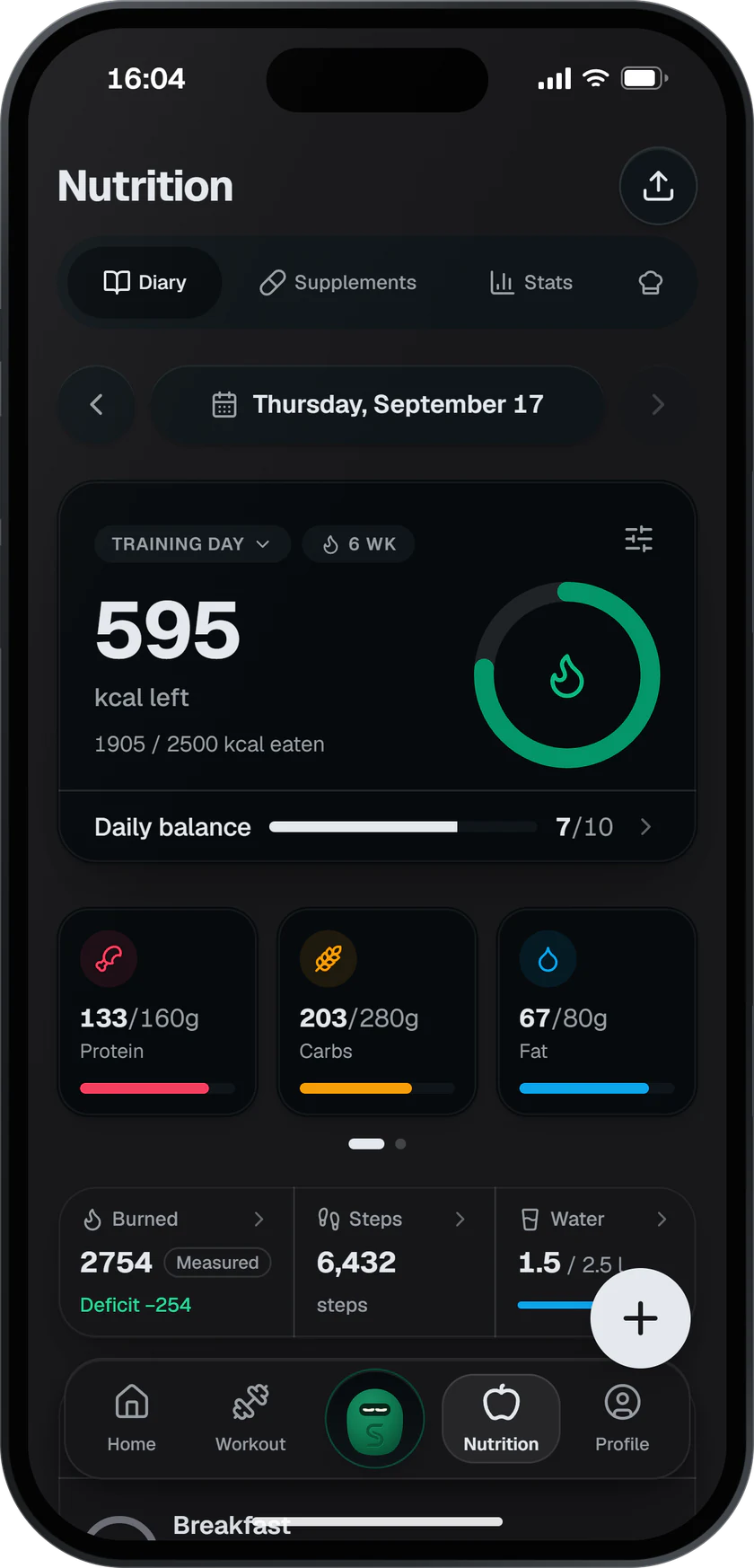
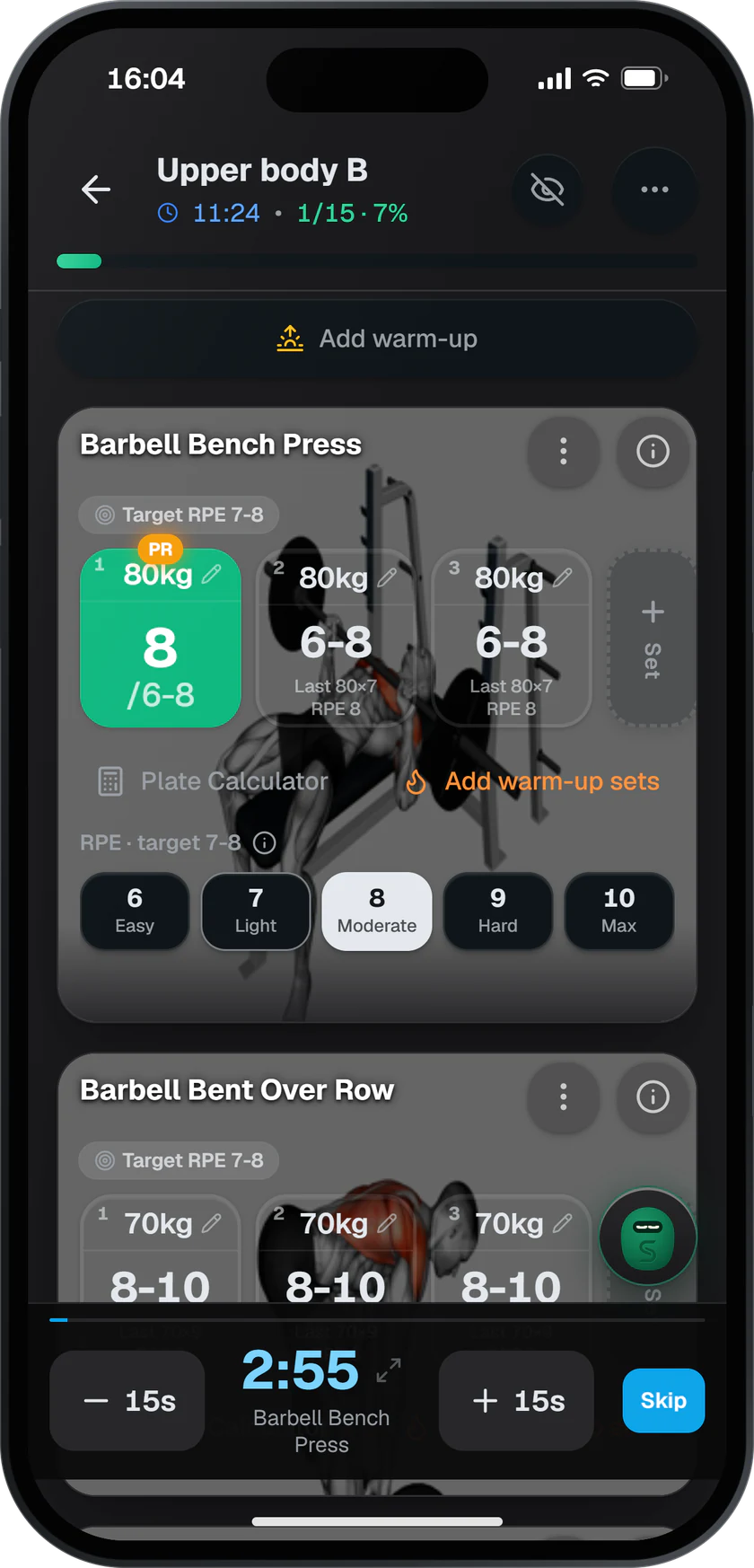
Training and nutrition in one app
Frequently asked questions
§ 04 · FAQNo. 01Can I import my workout history from Aitofit to SisuLift?+
Yes. Ask Aitofit's customer support for your workout history as a CSV. SisuLift's import wizard has a ready message template you can copy into the request. Once you get the file, add it to the wizard under Profile → Import workout data. The wizard reads exercises, sets, weights and reps, and AI matches exercise names to SisuLift's library.
No. 02Does SisuLift support importing from Strong and Hevy?+
Yes. The same import wizard reads Strong and Hevy CSV exports directly. The import usually takes a few minutes depending on the size of your history.
No. 03What if my data is only handwritten?+
Paste your old diary or notebook as free text. AI parses the exercises, weights and reps and adds them to your history. You don't need to format anything first.
No. 04Will I lose my records and progress charts when I switch?+
No. When your history is imported, records and progress charts are built from the imported data, and you see your previous sets in workouts from day one. You don't start from scratch.
No. 05Does importing cost anything?+
No. Import is part of SisuLift and also works during the 14-day free trial. You can import your history right after signing up, before you make any subscription decision.
No. 06Why switch from Aitofit to SisuLift?+
SisuLift offers a 24/7 AI chat, nutrition tracking in the same app and a permanent free tier. The price is €9.90 per month, and when you switch you can bring your whole history with you.
Start now
Bring your history with you
Try SisuLift free for 14 days. Import your workout history from Aitofit, Strong or Hevy right after signing up. You won't lose a single workout.