



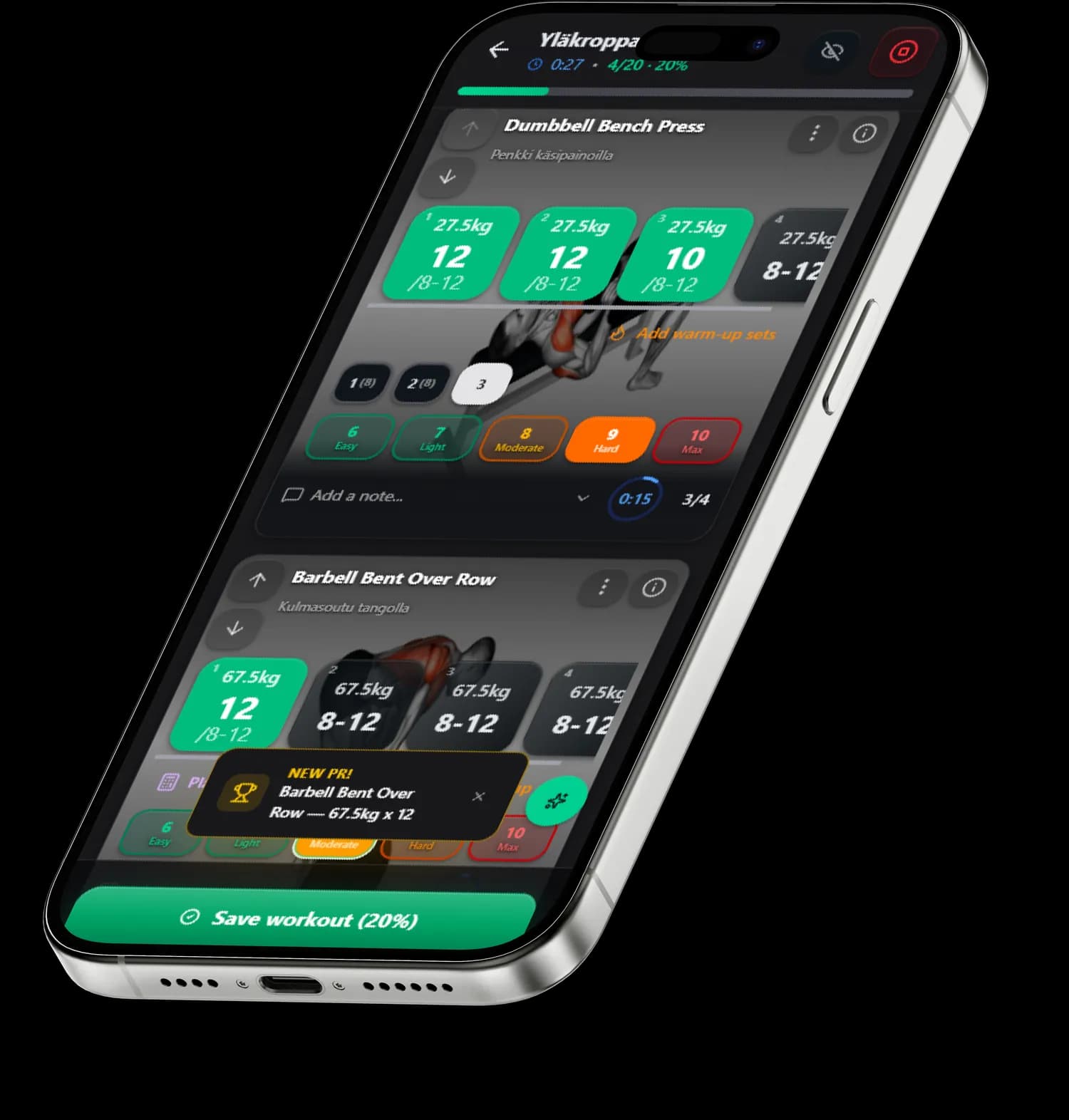
If you also want to know how much to eat, the calorie calculator works out your calorie needs and macros for your goal.
How the working weight is calculated
The calculator converts a one rep max into a working weight with a linear model: weight = 1RM × (1 − 0.025 × reps). For eight reps that gives 80 percent of max, for five 87.5 and for twelve 70. It is the same model SisuLift uses to set starting weights for a new program, so the calculator's number matches what the app would suggest.
If you do not know your max, enter your last solid working set. The calculator estimates 1RM with the inverse of the same model, so the conversion between rep ranges stays consistent: 80 kg × 8 reps gives the same 1RM as 92.5 kg × 3 reps.
RIR and RPE: how close to failure
RIR (reps in reserve) is how many reps you had left at the end of a set. RIR 0 is complete failure, RIR 2 means you could have done two more. RPE is the same thing the other way round on a 1-10 scale: RPE 8 = RIR 2. The calculator adds RIR to the reps, because RIR 2 at eight reps is the weight you could do for ten.
For hypertrophy, research supports RIR 1-3 for most sets (Helms et al. 2016); for strength, heavy sets at RIR 1-2 with the last set near zero. SisuLift's mesocycle starts at RIR 3 and works down toward zero before a deload week, so fatigue does not pile up unchecked.
How to use the table
Pick your program's rep range and RIR target, take the table weight for your first working set and see how many reps you actually get. If you clearly beat the target, add 2.5-5 kg next time. If you fall short, drop. Two weeks of logs tell you more than any formula.
On a new exercise start 5-10 percent below the table and increase once technique settles. You only need to calculate main lifts from a max: for assistance work it is enough that the rep target is met at RIR 1-3.
Frequently asked questions
What is a working weight?
The working weight is the load you use for your actual working sets after warm-up. It depends on the rep target and how close to failure you take the set. The calculator gives working weights for 3-15 reps and RIR 0-3 targets.
What do RIR and RPE mean?
RIR (reps in reserve) is the number of reps you could still have done at the end of a set. RPE (rating of perceived exertion) is perceived effort on a 1-10 scale, and in strength training RPE = 10 − RIR. RIR 2 is therefore RPE 8.
What weight do I start a new program with?
Slightly below the table: SisuLift uses 90 percent of the calculated weight in the first week so technique settles and there is room to progress. Add weight as soon as the rep target is met at the RIR target.
When do I add weight?
When every working set hits the target reps and RIR stays on target. Then add 2.5 kg for upper-body and 5 kg for lower-body lifts. SisuLift makes this call automatically every week from your actual sets.
What if I do not know my 1RM and have never done the lift?
Start light, do the target reps at RIR 3 and log the set. Then enter it into the calculator as your last set to get working weights for every rep range. In the app the same happens automatically after the first logged set.
See also
- 011RM CalculatorOne rep max from three formulas and a 50-95 % percentage table.
- 02Bench Press CalculatorBench 1RM and strength level relative to body weight.
- 03Protein CalculatorHow much protein do you need per day? Recommendation and range.
See the free workout programs where weekly progression does this table for you